No fictional orders
Simulate a payment in the customer view to see the order here and follow its preparation.
INDEPENDENT PIZZERIAS. DIRECT ORDERS.
Your craft stays in the kitchen. Pizza x402 connects online ordering, card payments and pickup, at the pace of your service.
See how it worksA product preparing for its first production pilot.
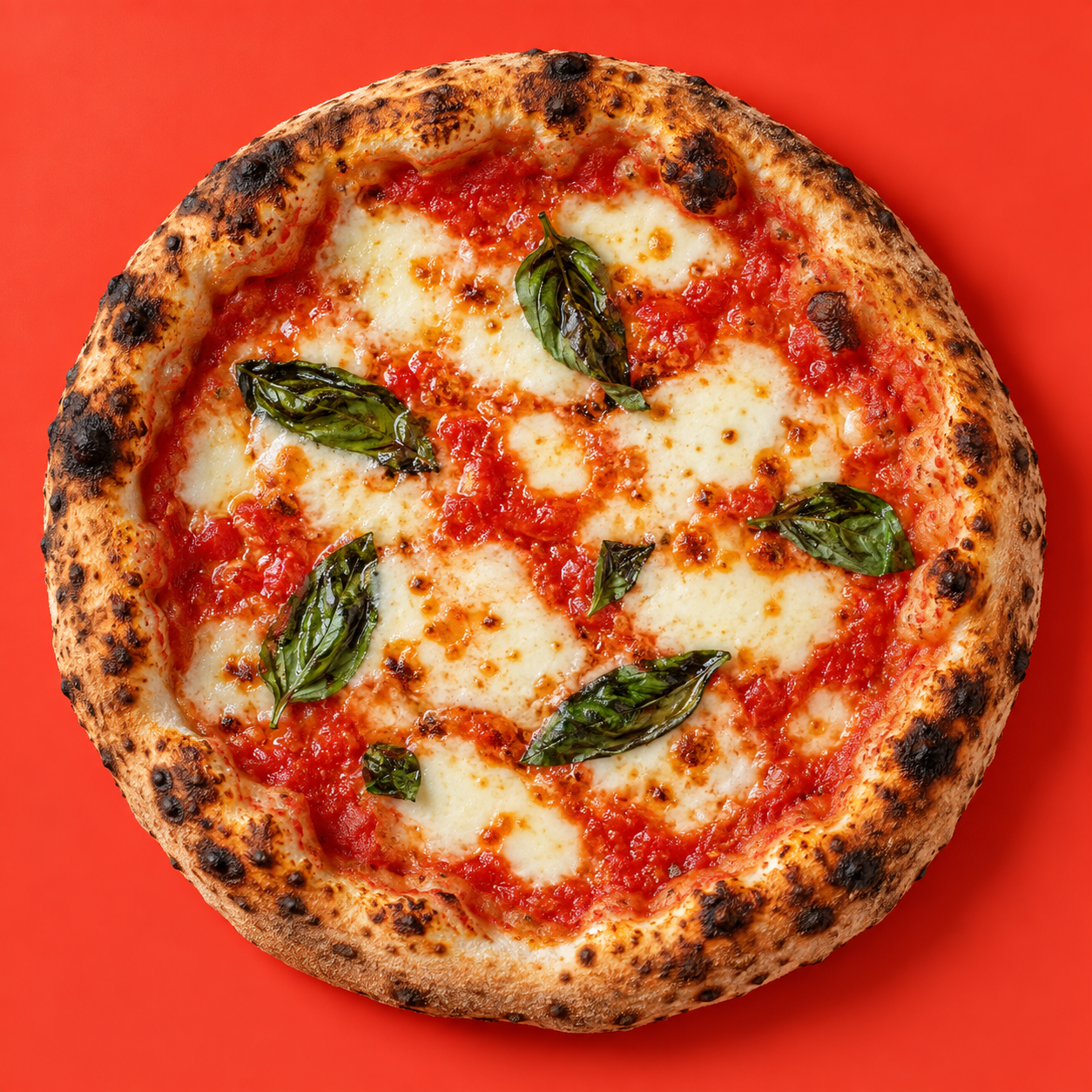 CRAFT AT THE CENTRE.
01 / HOW IT WORKS
The customer chooses. Your team prepares and hands over the order. You stay in control of your menu.
A merchant-branded mobile menu, card prepayment and pickup tracking. No customer account, email address or phone number required.
Interactive illustration · fictional data
These views explain the product; they are not the live application.
THE CLASSICSimulation only.
No banking details requested.
A generated pickup name.
Fictional example: Milo Basilic.
Simulate a payment in the customer view to see the order here and follow its preparation.
Catalog · Prices · Ingredients
Catalog prices and ingredients appear in the customer storefront.
02 / FROM MENU TO PICKUP
Direct takeaway orders, with a view for every stage of service.
A QR code or link opens your storefront. Customers choose their pizzas and pay by card, without creating an account or providing an email address or phone number.
After payment, your team acknowledges the order and confirms the pickup time. The order moves through preparation in the kitchen.
Customers track their order in their browser. A generated pickup name helps your team identify them at handover.
Your own branded storefront, your menu and orders delivered directly to your team.
03 / GETTING STARTED TOGETHER
We prepare the first steps with you, around your menu, your team and your ways of working.
How do you receive takeaway orders? Who prepares and hands them over? We start with how you work.
Menu, product information, equipment, internet connection and card payment setup: we check the pilot conditions together.
The pilot must show what actually helps during service. Time savings and value for your pizzeria still need to be measured.
General access and self-service signup are not open. Commercial and participation terms will be discussed before any commitment.
YOUR PRACTICAL QUESTIONS
No. Ordering requires no account, email address or phone number. Card payment retains the information needed for payment; order tracking stays in the browser.
Your team acknowledges the order and confirms the pickup time, then moves preparation through to handover. The kitchen view is separate from the owner workspace used to manage the menu.
A prepared menu, a device suited to service, such as a tablet, and an internet connection. We will check equipment and card payment conditions together before a pilot.
The demonstration is available here. The product is preparing for its first production pilot; this is not a general launch. Let’s discuss your situation and the conditions for a possible trial.
Commercial pricing has not yet been validated. It will be discussed before any commitment. Pizza prices in the demonstration are fictional; they do not represent platform pricing.
PIZZA x402